YouTube Comment Analyzer: The Complete 2026 Guide to Tools, Accuracy, and ChatGPT Hacks

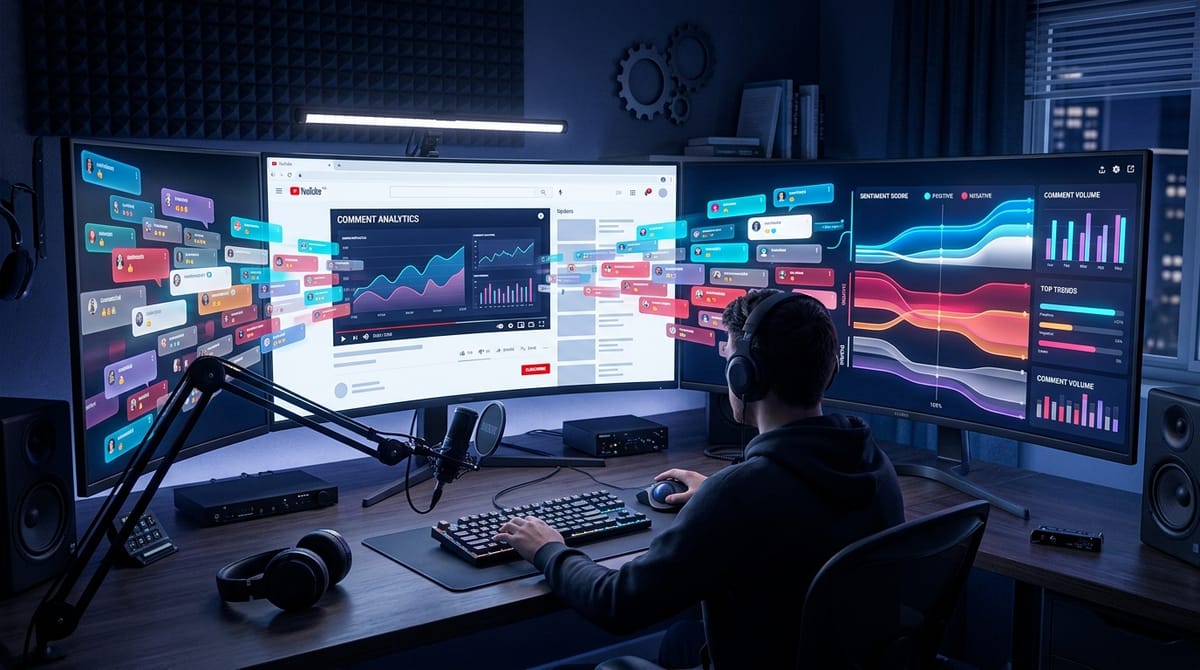
YouTube creators sit on a data goldmine and almost nobody mines it. In Q2 2024 alone, YouTube removed roughly 1.37 billion comments for policy violations (Statista, citing Google Transparency Report), and that's just the discarded pile. The comments that survive carry product questions, sponsor signals, content briefs, and your harshest critics. Most creators read the first 30 to 50 comments per video, then move on. A YouTube comment analyzer fixes the bottleneck: AI scans every comment, surfaces sentiment, topics, intent, and content ideas in seconds. This guide compares the five real ways to analyze comments in 2026, where each one breaks, what they cost, and when free ChatGPT actually beats a paid tool.
Quick answer
A YouTube comment analyzer is software that reads every comment under a video or channel and outputs structured insights: sentiment, recurring questions, content ideas, sponsor leads, and toxicity signals. The five real options in 2026 are (1) YouTube Studio's built-in filters, (2) ChatGPT or Claude as DIY analyzer, (3) free Chrome extensions and single-video tools, (4) dedicated SaaS like OneTube and BeyondComments, (5) enterprise listening suites such as Brandwatch. Pick by scale, accuracy needs, and whether you run a single channel or a portfolio.
Key takeaways
- Free tools cap at 50 to 500 comments per analysis and lose accuracy on sarcasm, emojis, and non-English audiences.
- ChatGPT analyzes one video well, breaks past 1,000 comments per session, and offers no recurring view.
- Dedicated SaaS (OneTube, BeyondComments, ChannelGrade) is the only category that scales across channels.
- AI sentiment accuracy on English comments lands at 85 to 92 percent with LLM models, dropping 10 to 15 points on multilingual sets.
- The right tier depends on channel count and how often you analyze, not on which tool has the loudest marketing.
What is a YouTube comment analyzer, and how does it actually work?
A YouTube comment analyzer is a tool that fetches comments from one or more YouTube videos, processes them with natural language models, and returns insights you can act on. Output usually covers sentiment polarity, topic clusters, frequent questions, spam and toxicity flags, and sometimes content recommendations or sponsor leads.
Under the hood, every analyzer (good or bad) runs the same four steps.
- Fetch. The tool pulls comments using YouTube Data API v3 or by scraping. The API has rate limits and depth caps. Scraping bypasses limits but breaks when YouTube changes its frontend HTML.
- Preprocess. Strip URLs, decide whether to keep or strip emojis (a real product decision, not a detail), detect language, normalize encoding, remove obvious spam patterns.
- Analyze. Older tools run VADER or TextBlob (lexicon-based, fast, terrible at sarcasm). Modern tools run transformer models (BERT family) or reasoning-class large language models. LLM-based analyzers cost more per call but handle context, irony, and multilingual content far better.
- Output. A dashboard, CSV, or LLM-generated summary report. The "now what" layer is where most free tools collapse.
Why this matters more in 2026 than ever before
YouTube reports over 3 million creators in the Partner Program (YouTube official blog, 2026). Long-form videos average around 4 comments per upload according to Statista 2024 data. That sounds small until you multiply: a mid-tier channel with 100 uploads and 200K views per video sits on tens of thousands of unread comments per quarter.
The healthy engagement benchmark sits at roughly 5 comments per 1,000 views (Tubular Labs). Reading them manually was always optional. With AI doing the work in seconds, ignoring them now leaves money and creative briefs on the table.

What can creators actually do with analyzed comment data?
Every analyzer puts a sentiment donut on screen. The real value sits one layer deeper. Here is what serious creators and agencies use comment intelligence for.
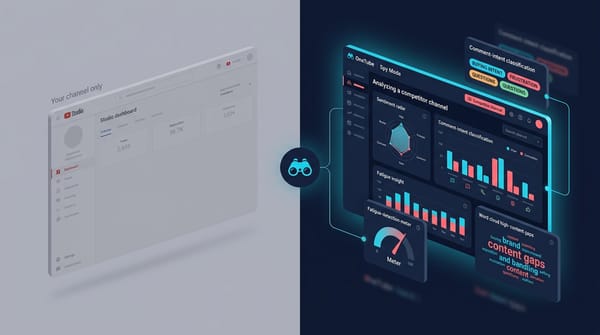
Watch what your competitors' audiences are asking, not just your own
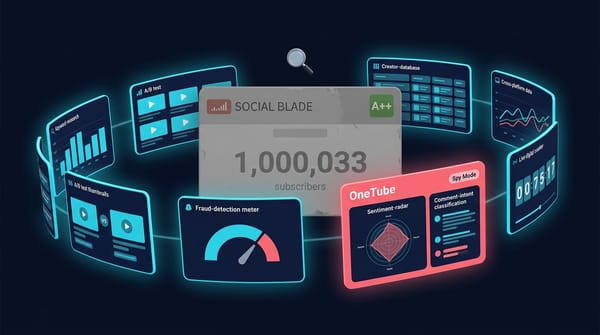
The cheapest content brief you will ever get sits in your competitors' comment sections. What their viewers ask is what your viewers want too, often before your own audience has even formed the question. OneTube's Spy Mode adds any public YouTube channel without OAuth or owner permission, clusters questions across competitor and own channels alike, and surfaces the ones your sector is hungry for. Manual scanning misses everything past comment 30. Reading only your own channel misses the other 90 percent of your niche's signal.
Spot sponsor leads and brand mentions
Comments often surface unsolicited praise for products, software, or services. Some of those mentions are actual or prospective sponsors checking how your audience reacts. Comment-intelligence tools with sentiment-spike alerts can surface brand-mention surges before your manager even sees them.
Triage moderation at scale
YouTube Studio holds questionable comments for review. Creators routinely report legitimate comments stuck in the held bucket for up to 60 days while genuine spam slips through. An analyzer with toxicity scoring lets you triage held comments in minutes, not weeks.
Track audience research over time
A single video's comments are a snapshot. A channel-level analyzer trends sentiment, topics, and audience composition across months. For agencies running 10 to 50 channels, this is the difference between reactive moderation and proactive strategy.

What are the 5 ways to analyze YouTube comments in 2026?
There is no single best method. There is a best-fit method per use case. Here is the honest breakdown.
1. YouTube Studio (the built-in option)
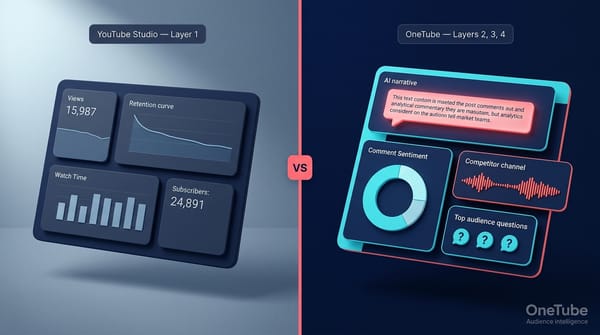
Free, native, already integrated. You get keyword filtering, held-for-review, top-by-likes sorting, and channel-level moderation rules. What you don't get: sentiment analysis, topic clustering, question detection, or any AI. Studio is a moderation surface, not an analyzer. Good for "find any comment containing 'sponsor'." Bad for everything else.
2. ChatGPT or Claude as DIY analyzer
Free if you already have GPT-4 or Claude Pro access. Download comments with a tool like youtube-comment-downloader, paste into the chat window, ask for a sentiment breakdown and top three themes. For a single video with under 500 comments, this works surprisingly well. Modern LLMs handle multilingual comments and most sarcasm.
Where it breaks: scale (context windows max out around 1,000 to 2,000 comments depending on length), repetition (every analysis is manual), and integration (no dashboard, no historical view, no automation). DIY is great for one-off audits. Bad for any recurring workflow.
3. Free single-page tools and Chrome extensions
Tools like Senti-Meter, Comment Explorer, NicheProwler, MicroPoster, and the YouTube Comment Analyzer Chrome extension. Paste a video URL, get a sentiment chart in 30 seconds. Most cap at 50 to 500 comments and offer no channel-level view. Good for a quick spot-check. Useless for production work.
Accuracy varies wildly. Most run lightweight lexicon models that miss sarcasm, fail on emoji-heavy comments, and label every enthusiastic "this is sick!!" as negative.
4. Dedicated YouTube comment intelligence SaaS
Tools built specifically for this use case. The field is small: OneTube, BeyondComments, ChannelGrade. Each handles full-channel and multi-channel analysis, recurring scans, sentiment plus theme plus intent detection. OneTube adds niche trend detection, AI-generated Pulse Reports with reasoning commentary, and content-idea surfacing from clustered questions.
This is where you go if comment analysis is part of an ongoing workflow rather than an occasional curiosity. Pricing typically lands between $19/mo for a single creator (OneTube Creator tier) and $499/mo for a 100-channel agency portfolio (OneTube Agency Growth).
5. Enterprise social listening suites
Brandwatch, Sprout Social, Mentionlytics, Talkwalker. These platforms cover Twitter, Reddit, TikTok, news, forums, and YouTube comments. YouTube is one slice of a much larger pipeline. Pricing starts around $1,000 per month and goes up fast.
Use case: brand-side marketers tracking sentiment across multiple platforms. Wrong fit for individual creators or YouTube-first agencies. You will pay for 80 percent of features you will never touch.

How accurate is AI comment analysis really?
Here is the gap nobody fills in product copy: AI sentiment analysis is good, not perfect. Specifically.
Sarcasm and irony stay hard
"Wow, another five-minute intro, can't wait" reads as positive to lexicon models. LLMs catch most sarcasm but miss the subtle cases. Expect 5 to 10 percent misclassification on heavily sarcastic audiences (gaming, comedy, drama channels).
Emoji-only comments confuse most tools
A row of fire emojis is positive. A row of clown emojis is brutal. Tools that strip emojis before analysis lose this signal entirely. Tools that map emojis to sentiment do better but disagree on edge cases. Is the skull emoji laughing-to-death or actual disgust? Depends on the audience.
Multilingual and regional slang break older models
VADER works on English. TextBlob fakes other languages. Only LLM-based analyzers handle Spanish, Portuguese, Indonesian, Hindi, and the other languages where YouTube has its biggest 2026 audiences. If your audience is 30 percent non-English, lexicon tools will mislead you.
Sentiment is not the same as intent
A negative comment that ends with "but I'll still subscribe" is a fan. Most tools flag it red and miss the conversion signal. Intent detection (asking, complaining, suggesting, mocking, sponsoring) matters more than polarity. Few free tools surface intent. OneTube, BeyondComments, and modern LLM analyzers do.
How to validate any analyzer in 10 minutes
Take 100 random comments from one of your videos. Hand-label each as positive, neutral, or negative. Run the analyzer. Compute accuracy. Anything above 85 percent on a balanced English dataset is acceptable. Below 75 percent means the tool is guessing. Multilingual benchmarks drop another 10 to 15 percentage points across the board, even on the best tools.
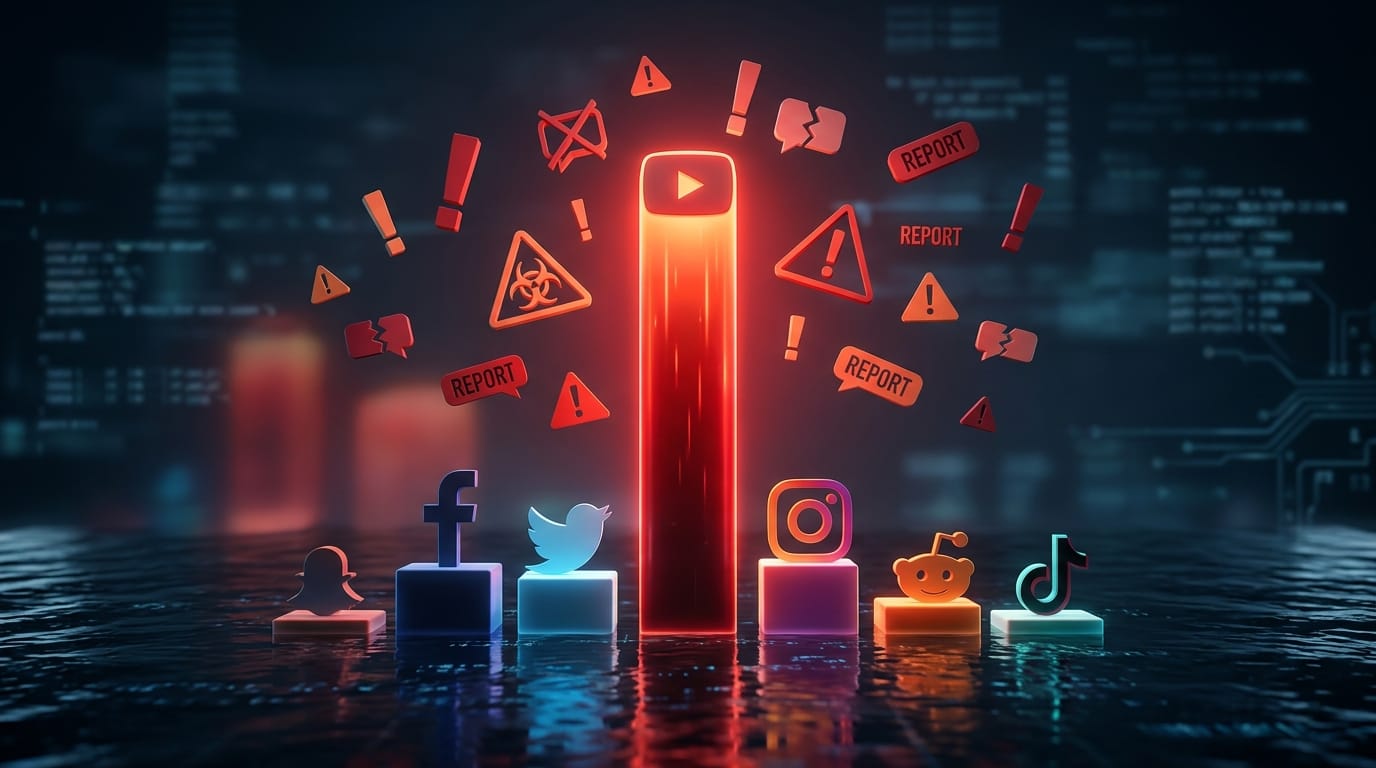
YouTube also runs hotter than other platforms on hostility. A 2024 Bodyguard analysis of 3.8 billion comments put YouTube's hate-speech rate at 8.3 percent, the highest among major platforms (EOOH report). For toxicity-heavy niches, accuracy on negative classification is the metric that matters most.
Which YouTube comment analyzer is best in 2026?
There is no single best. There is a best for each use case. Here is an honest comparison of the 10 tools that actually matter.
| Tool | Type | Cap | Sentiment | Themes | Multi-channel | Price |
|---|---|---|---|---|---|---|
| YouTube Studio | Built-in | All | No | No | No | Free |
| ChatGPT (GPT-4) | DIY | ~1,000 ctx | Yes | Yes | No | $20/mo |
| Comment Explorer | Free single | 500 | Yes | Limited | No | Free |
| Senti-Meter | Free single | 100 | Yes | No | No | Free |
| MicroPoster | Free single | 500 | Yes | Yes | No | Free |
| ChannelGrade | SaaS | Channel | Yes | Yes | Limited | $9-49/mo |
| BeyondComments | SaaS | Per-video | Yes | Yes | Limited | Free tier + paid |
| OneTube | SaaS | Full channel + multi | Yes | Yes + intent + ideas | Up to 100 channels | $19-499/mo |
| Brandwatch | Enterprise | Unlimited | Yes | Yes | Cross-platform | $1,000+/mo |
| Sprout Social | Enterprise | Unlimited | Yes | Yes | Cross-platform | $249+/mo |
Track your niche, not just your own channel.
Start your 14-day OneTube trial
OneTube's Spy Mode analyzes comments on any public YouTube channel, your competitors' included. Pulse AI reports, niche trend detection, sentiment and intent analysis. Free for 14 days. Cancel anytime, no charge until day 15.
Start free trial →Key takeaways from this table.
- Free tools cap at 500 comments. Useless past your first viral video.
- Only dedicated SaaS handles multi-channel. If you run more than one channel, free tools and ChatGPT cannot compete.
- Enterprise suites are overkill unless you also track Twitter, Reddit, and news.
- For most creators and agencies, dedicated SaaS is the right tier. It is the only category that scales without breaking your wallet or your workflow.
Can ChatGPT analyze YouTube comments, and is it enough?
ChatGPT (or Claude, or Gemini) handles comment analysis surprisingly well within its constraints. We have tested it. Here is the honest breakdown.
ChatGPT works if
- You analyze a single video with fewer than 500 comments
- You only need a one-off snapshot, not recurring tracking
- You are comfortable downloading comments manually and pasting into a chat window
- You don't need historical comparisons, dashboards, or alerts
- You have GPT-4 or Claude Pro access (the free tiers won't handle the volume)
For these cases, DIY ChatGPT is free and effective. Don't pay for a tool you don't need.
You need a dedicated tool if
- You manage more than one channel (agencies, MCN operators, multi-channel creators)
- Comment analysis is part of a recurring workflow (weekly reports, monthly trends)
- You need automated alerts for sentiment spikes or brand mentions
- You want intent detection beyond sentiment (questions, suggestions, sponsor signals)
- You need PDF or CSV exports for client reporting
- Your audience is multilingual and you need consistent accuracy across languages
The line sits at scale and recurrence. One channel, one audit, ChatGPT wins on cost. Five channels and a monthly cadence, dedicated SaaS wins on time saved.
Try it before you commit. OneTube runs a free YouTube channel audit. Drop your URL, get the same Pulse report our paying customers receive every week. No signup, just an email. See it at onetube.io/audit.
How much does a YouTube comment analyzer actually cost?
Nobody publishes this clearly. Here is the actual math.
Free tier (single-video tools): $0 per month. Cap at 50 to 500 comments per analysis. Hidden cost is your time, since you run it manually per video.
DIY ChatGPT: $20 per month if you already pay for GPT-4 Plus. Hidden cost is roughly 5 to 15 minutes per video for download, paste, and interpret. Twelve videos per month equals 2 to 3 hours of operator time.
Dedicated SaaS (Creator tier): $19 to $49 per month. Covers a single channel with full comment ingestion, sentiment, themes, AI reports. OneTube's Creator tier sits at $19 per month, Pro at $49.
Dedicated SaaS (Agency tier): $249 to $499 per month. Multi-channel coverage (50 to 100 channels), unlimited Pulse reports, niche trend detection, client-ready PDF exports. OneTube's Agency Growth tier handles up to 100 channels at $499 per month.
Enterprise listening: $12,000 to $50,000 per year. Brandwatch, Sprout Social, Talkwalker. Cross-platform coverage. Only worth it if YouTube is one of many platforms you track.
The decision narrows to recurrence and channel count. One channel plus one audit per month equals free or DIY. One channel plus weekly cadence equals Creator-tier SaaS. Multiple channels plus ongoing equals Agency-tier or enterprise.

Why is comment analysis a market category in 2026?
AI comment analysis sits inside a fast-growing trend. The sentiment analytics market grew from $5.71B in 2025 toward a projected $19.01B by 2035 at 12.78 percent CAGR (Precedence Research). The social media listening market hit $9.61B in 2025 with 13.9 percent CAGR through 2030 (Mordor Intelligence). And 66 percent of marketers worldwide already use AI in their role (HubSpot State of AI).
The number that matters most for creators: 52 percent of creators report burnout and 37 percent consider leaving the industry (Billion Dollar Boy). Comment management is a real workload contributor. Automating the surface-level read frees hours per week and surfaces the comments that actually deserve a reply.

Frequently asked questions
Can AI analyze YouTube comments accurately?
Yes, with caveats. Modern LLM-based analyzers hit 85 to 92 percent accuracy on English sentiment classification and around 75 to 85 percent on multilingual sets. Lexicon-based tools (VADER, TextBlob) score 60 to 72 percent on the same tests. Sarcasm, irony, and emoji-heavy comments remain the hardest cases for every model.
Is there a free YouTube comment analyzer?
Yes. The free tier includes YouTube Studio (filtering only, no sentiment), the YouTube Comment Analyzer Chrome extension (sentiment for the current video), Senti-Meter, Comment Explorer, NicheProwler, and MicroPoster (single-video sentiment plus basic themes). All cap at 50 to 500 comments per analysis and don't offer channel-level or recurring views.
How do I download all comments from a YouTube video?
YouTube does not offer native export. Use a comment downloader CLI (youtube-comment-downloader, commento-py) or a third-party service. For full channel exports, dedicated SaaS like OneTube ingests automatically via the YouTube Data API. Manual CSV downloads work for single-video analysis but break at channel scale.
Does YouTube Studio have sentiment analysis?
No. YouTube Studio supports keyword filtering, held-for-review moderation, top-by-likes sorting, and channel-level moderation rules. It does not analyze sentiment, detect themes, or surface questions. Any sentiment classification requires a third-party tool.
Can ChatGPT analyze YouTube comments?
Yes, for single videos under roughly 500 comments. Paste comments into a GPT-4 or Claude chat window with a prompt like "classify each comment by sentiment and identify the three most common themes." Context window limits kick in past 1,000 to 2,000 comments depending on length. For multi-channel or recurring analysis, dedicated tools beat ChatGPT on time, automation, and historical tracking.
What is the best YouTube comment analyzer for agencies?
Agencies managing 10 or more channels need multi-channel ingestion, recurring scans, client-ready exports, and trend tracking across niches. OneTube's Agency Starter ($249/mo, up to 50 channels) and Agency Growth ($499/mo, up to 100 channels) are built for this case. ChannelGrade and BeyondComments handle smaller portfolios but lack OneTube's Pulse AI reports and niche trend detection for client deliverables.
The bottom line: pick by recurrence, not by hype
You don't need the best YouTube comment analyzer. You need the right tier for your channel count and how often you analyze. One channel, occasional audit, ChatGPT is free and effective. One channel, weekly cadence, a Creator-tier SaaS pays for itself in saved hours. Multiple channels, ongoing analysis, dedicated multi-channel SaaS is the only category that scales.
The biggest mistake creators make is not picking the wrong tool. It is picking no tool and reading 4 percent of their comments. The other 96 percent is where the next video idea, the next sponsor, and the next subscriber retention insight live.
Start your 14-day OneTube trial. Spy Mode on any public YouTube channel, your own or your competitors'. Pulse AI reports, niche trend detection, sentiment plus intent plus theme clustering. Cancel anytime, no charge until day 15. Start trial at onetube.io.